> For the complete documentation index, see [llms.txt](https://docs.oxygenserv.com/llms.txt). Markdown versions of documentation pages are available by appending `.md` to page URLs; this page is available as [Markdown](https://docs.oxygenserv.com/en/palworld/transferer-une-sauvegarde-dun-hebergeur-vers-oxygenserv.md).
# Transfer a save from a host to Oxygenserv
Step-by-step guide to transfer a Palworld save from a host to Oxygenserv.
{% hint style="info" %}
This guide is for migrating a backup **Palworld** from another host to **Oxygenserv**.
You are transferring the world (`SaveGames`) and, if needed, the config (`PalWorldSettings.ini`).
{% endhint %}
### Objective
* Retrieve the backup from your previous host.
* Replace the files on the Oxygenserv side.
* Restart and recover your world.
{% hint style="danger" %}
Launch the server at least once on Oxygenserv to generate the folders.
Then shut it down before making any file changes.
{% endhint %}
### Step-by-step guide
{% stepper %}
{% step %}
**Download the backup from the old host**
From the file manager or FTP of the old host, download:
* `Pal\Saved\SaveGames\0\XXXXXXXXXXXXXXXXXXXXXXXXXXXXXXXX\` a folder with lots of numbers (32) should be there, this folder contains the save data we're interested in
* `Pal\Saved\Config\LinuxServer\PalWorldSettings.ini` This file corresponds to your server configuration; this file is optional if you did not change any settings.
{% hint style="info" %}
`SaveGames` contains the **world** and the folder `Players`.
`PalWorldSettings.ini` contains your **rates** and server settings.
{% endhint %}
{% endstep %}
{% step %}
**Upload the world backup to Oxygenserv**
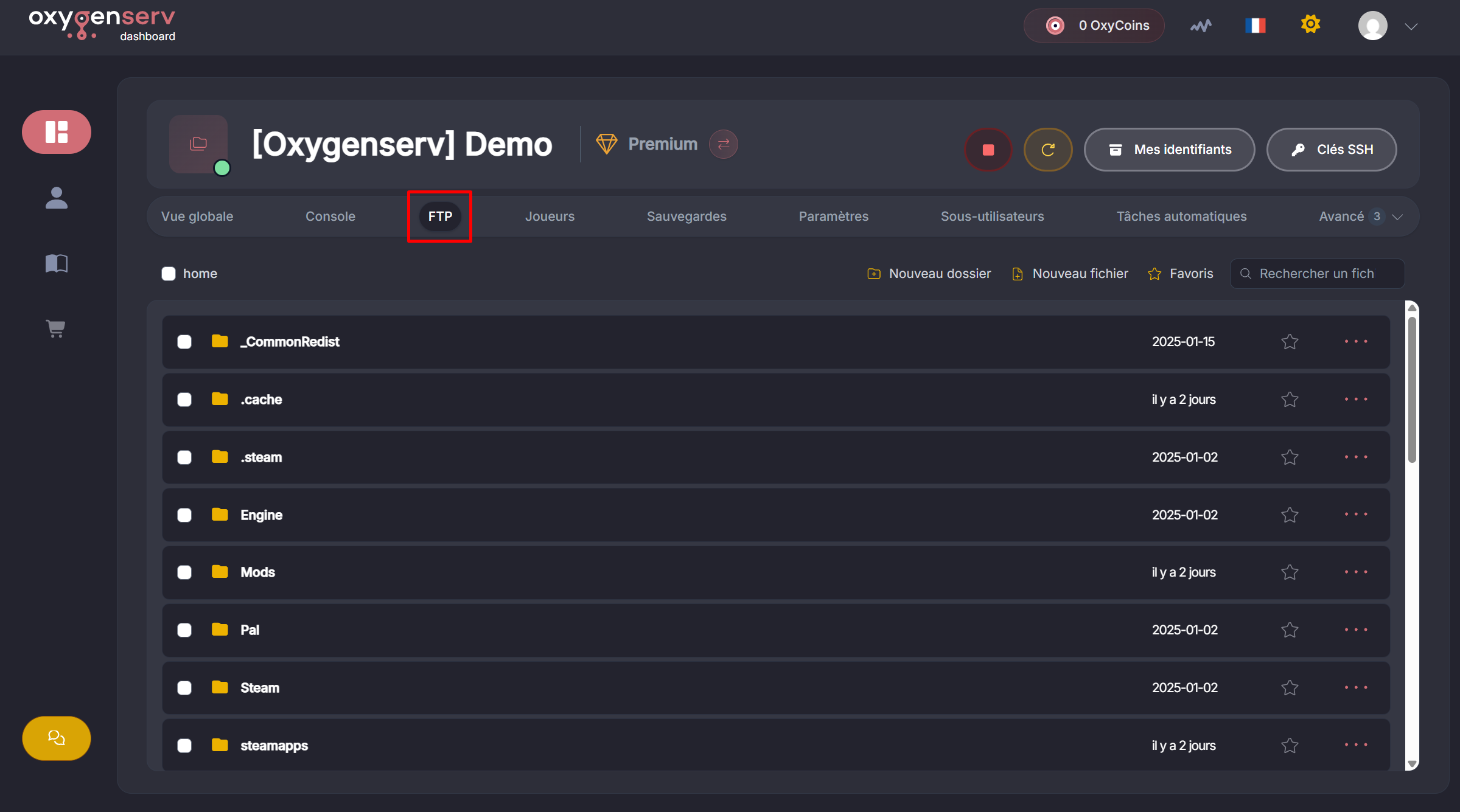
On Oxygenserv, connect to FTP from the Palworld server dashboard.
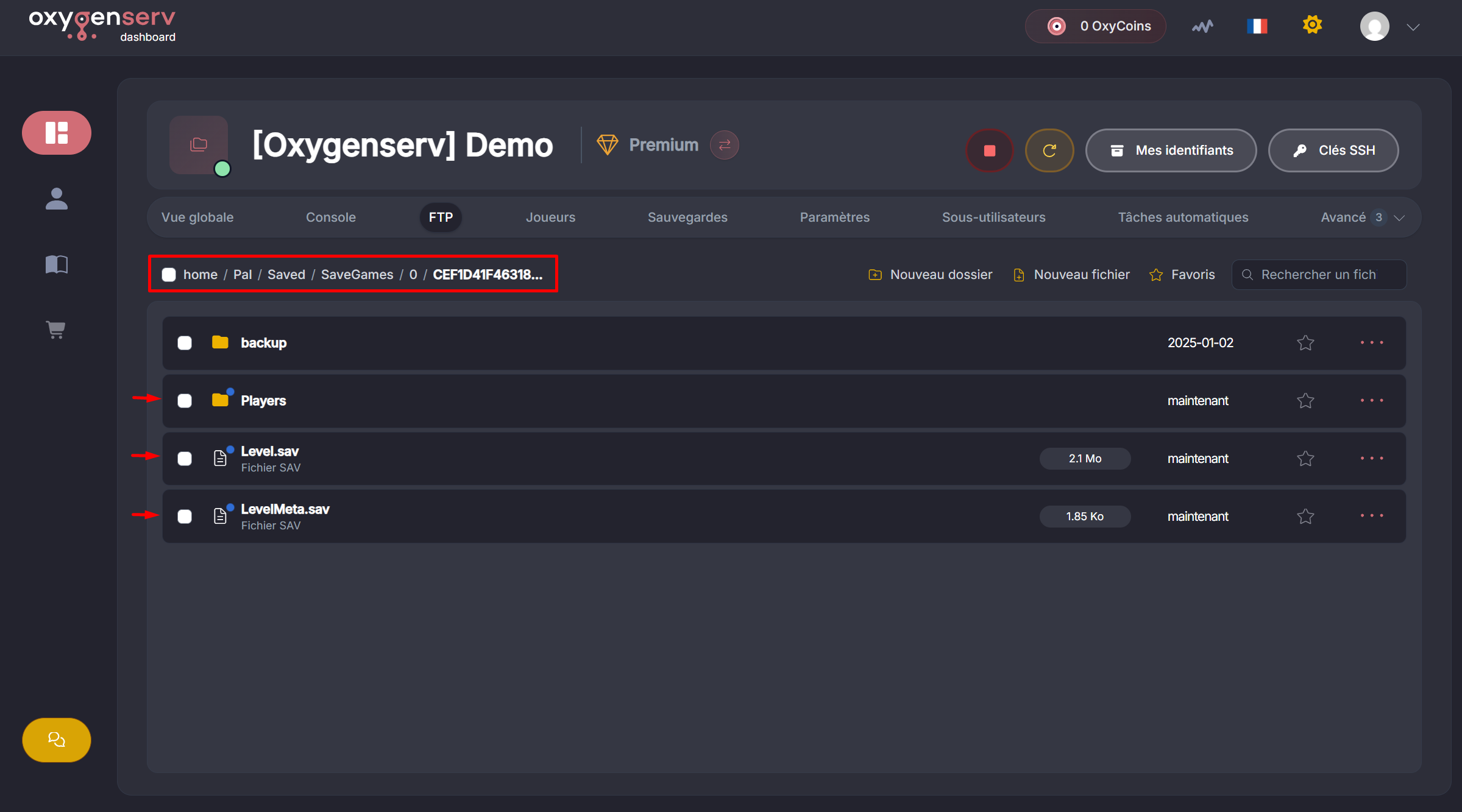
Go to: `/Pal/Saved/SaveGames/0/XXXXXXXXXXXXXXXXXXXXXXXXXXXXXXXX/`
Replace:
* the world files (e.g. `Level.sav`, `LevelMeta.sav`)
* the folder `Players`
Drag and drop from your downloaded backup.
{% hint style="danger" %}
Do not copy the folder `0/XXXXXXXXXXXXXXXX...` itself.
Copy only its contents into the server's existing folder.
{% endhint %}
{% endstep %}
{% step %}
**(Optional) Replace the server configuration**
If you had custom settings, also replace:
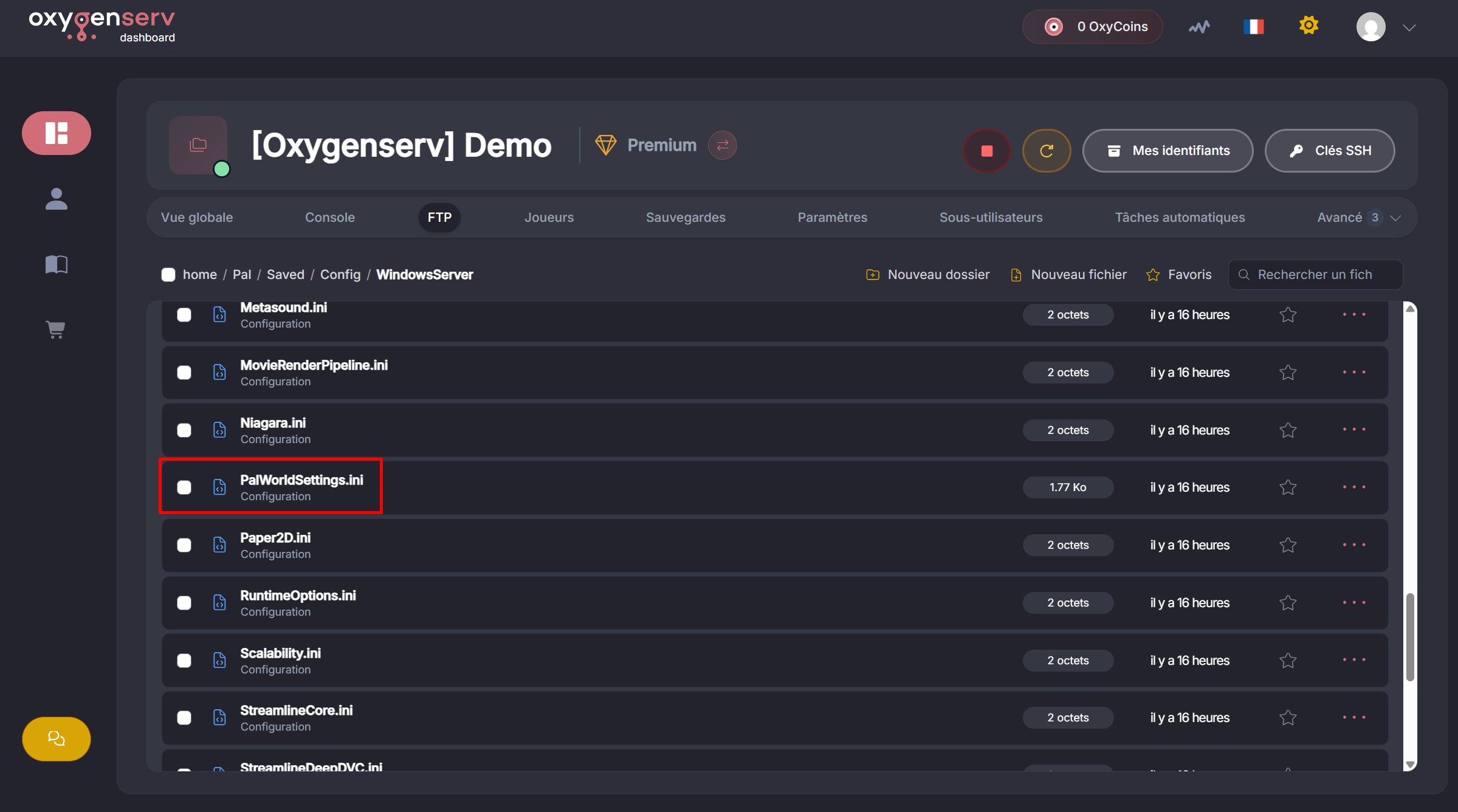
`/Pal/Saved/Config/LinuxServer/PalWorldSettings.ini` or
`/Pal/Saved/Config/WindowsServer/PalWorldSettings.ini`
{% endstep %}
{% step %}
**Restart and check**
Restart the server.
Connect in-game.
You should find your world.
{% hint style="success" %}
Backup migrated to Oxygenserv.
{% endhint %}
{% endstep %}
{% endstepper %}
### Common issues
#### The server starts on a new map
* You are not in the correct folder `.../SaveGames/0/<32-characters>/`.
* You uploaded the entire folder instead of its contents.
* The server was not turned off during the copy.
#### My settings are not applied
* Verify that you replaced `PalWorldSettings.ini`.
* Restart the server after modification.
#### My players lost their progress
* Check that the folder `Players` was properly copied.
* If you come from a Co-Op save, a player migration may be required: [Transfer a Co-Op (local) save to Oxygenserv](/en/palworld/transferer-une-sauvegarde-co-op-locale-vers-oxygenserv.md).
### FAQ
#### What do I need to transfer at minimum?
The contents of `SaveGames/0/<32-characters>/`.
#### Is the file `PalWorldSettings.ini` mandatory?
No. It is useful if you had custom settings.